Polygon annotations now support editing controls for Auto-Overwrite, Auto-Subtract, Auto-Merge, Eraser, Merge, and Subtract, while preserving the Polygon tool's single-region, no-holes structure.
Auto Suggestion now supports the Bounding Box tool, creating a bounding box around the detected region under the cursor.
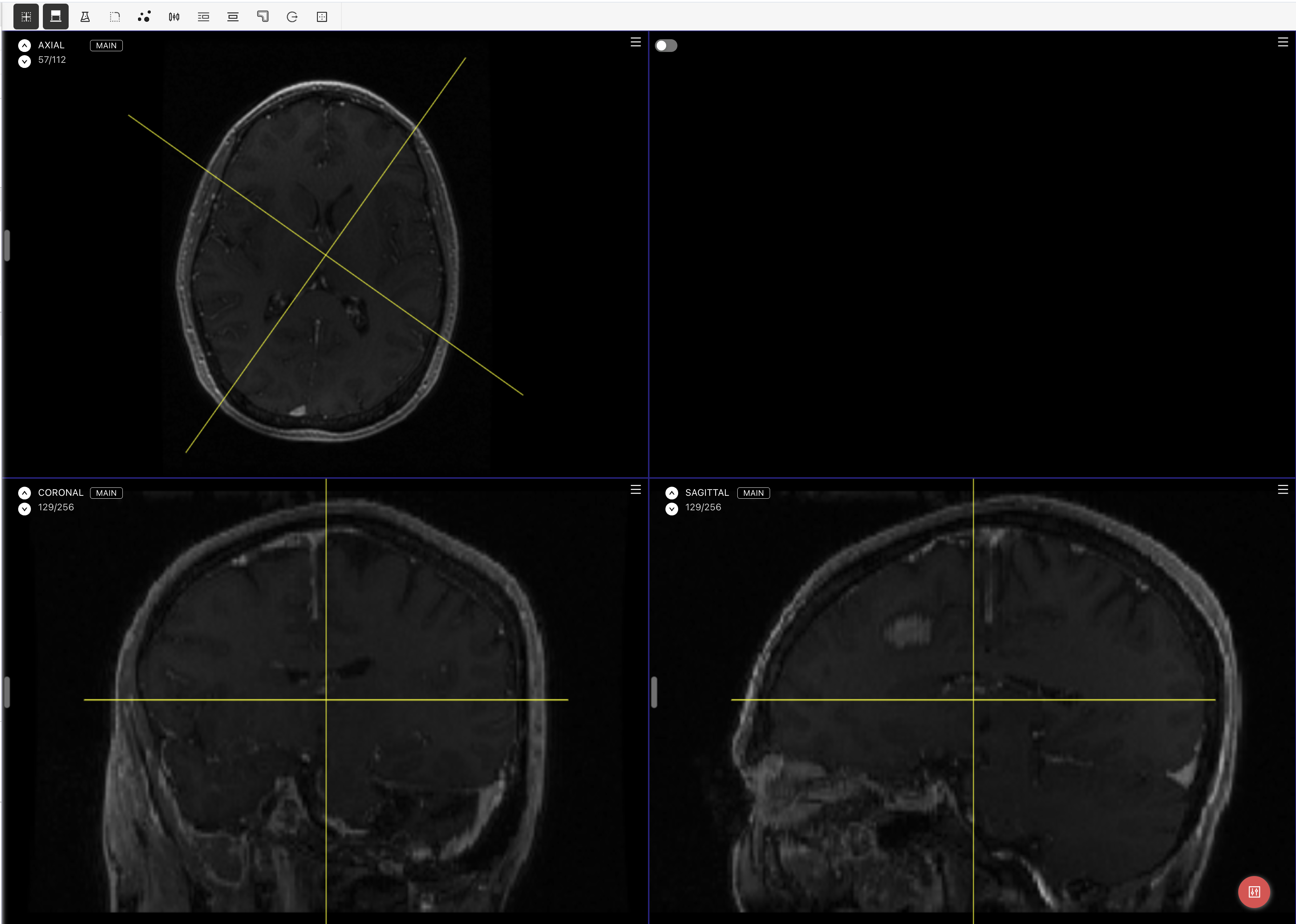
The Medical editor now supports Reformat for NRRD assets, allowing annotators to work with oblique planes across Axial, Coronal, and Sagittal views. Brush and Pen annotations can be used on reformatted planes, and Point, Polyline, and Polygon annotations restore their saved oblique view when selected later.
Project ontologies now support descriptions for tools, classifications, relations, and nested classifications. Descriptions are shown to annotators in the labeling editor as tooltips or info text near the relevant class.
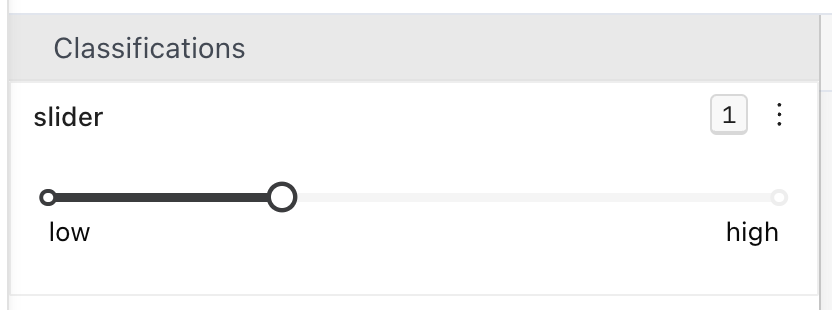
Project ontologies now support a Slider classification, letting teams collect numeric ratings with configurable minimum and maximum values, step size, and endpoint labels. Slider answers are saved and exported as numeric values.
The Projects page now supports organization-wide project tags, letting admins create reusable tags, assign them to projects, view them in the project list, and filter projects by tag.

The Tasks tab now supports Bulk Accept and Bulk Reject for filtered Review-stage task selections, so teams can accept or reject only the tasks matching their current filters while leaving the rest of the review queue untouched.
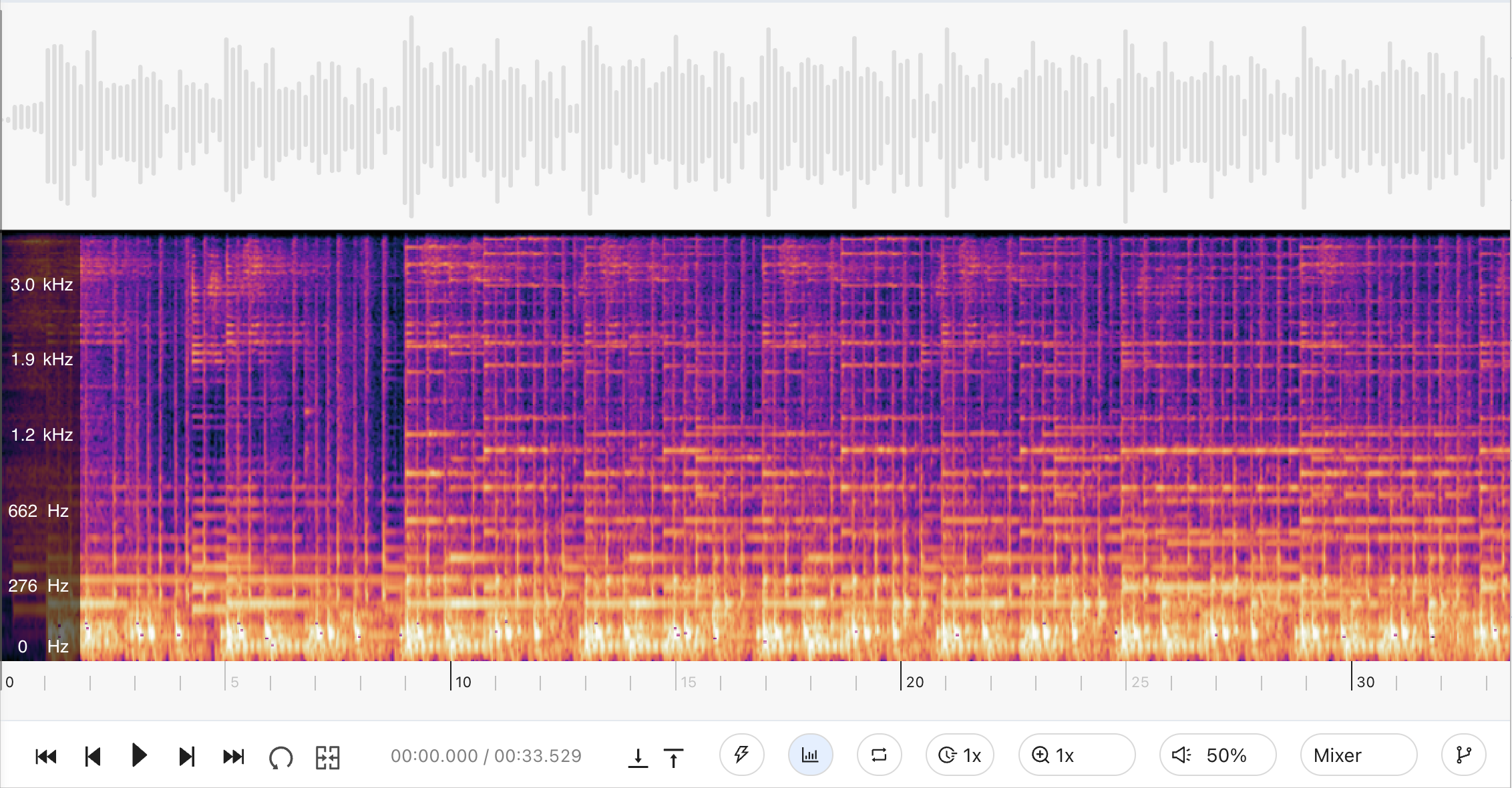
The Audio editor now includes an optional spectrogram view below the waveform, with a pinned frequency scale, cursor time/frequency readout, and resizable waveform/spectrogram panels.
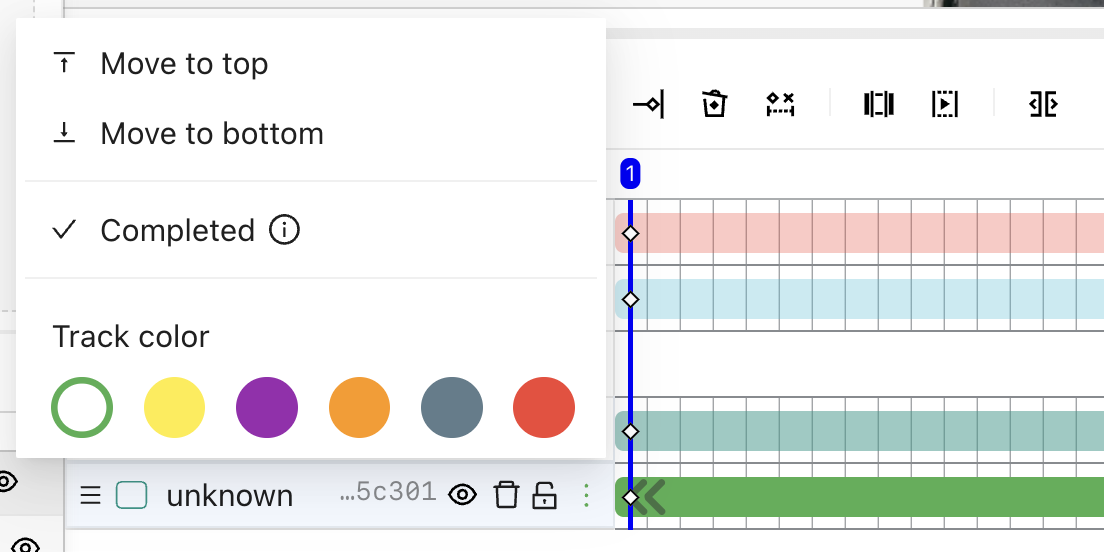
The Video Labeling Editor now includes timeline track controls for moving tracks to the top or bottom of their class group, marking tracks as completed, color-coding tracks, and locking or unlocking object tracks directly from the timeline.