Autosaving is now available. Turn it on from the editor Quick Settings. Additionally, saving now happens in the background, so you can keep working while your draft is being saved. Autosave
Video caching is now the default way videos are loaded, greatly improving the performance of the video labeling editor, especially when navigating between frames. The video editor now downloads videos and prepares frames in the background for faster frame-by-frame navigation. You can turn it off in Quick Settings. Video caching
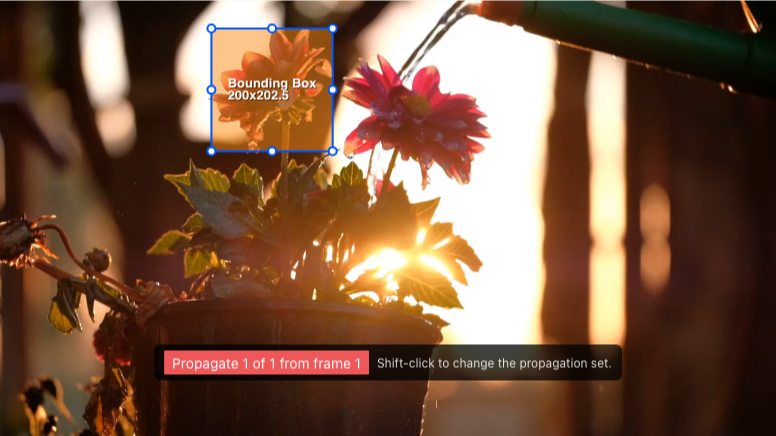
Auto Suggestion, our AI assistance feature, now allows users to create bounding boxes, polygons, and segmentations on a video frame. Select the annotations and click Propagate to track the objects and add keyframes across the following frames.