Project managers can now duplicate assets to create fresh labeling tasks while keeping the original asset data and External IDs.
Classification options and error codes can now be reordered by dragging their tags in project settings.

Objects with issues now show a speech bubble directly on the canvas. Open the bubble to view the object's issues; badges show the number of visible issues matching the selected filter. Object-level issues

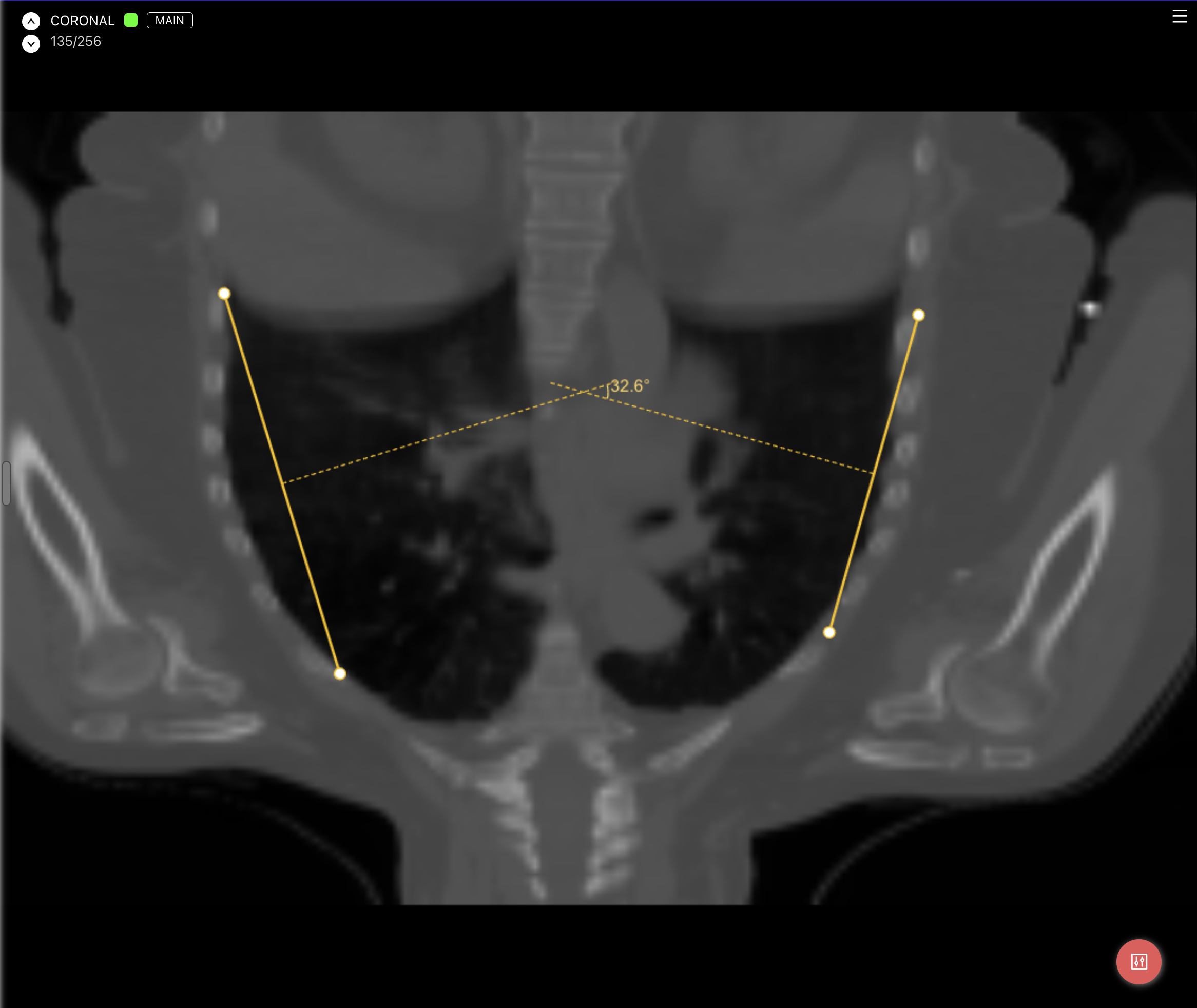
Added Cobb Angle measurements for medical 3D assets. Draw two lines to measure their angle, then adjust their points or move either line.
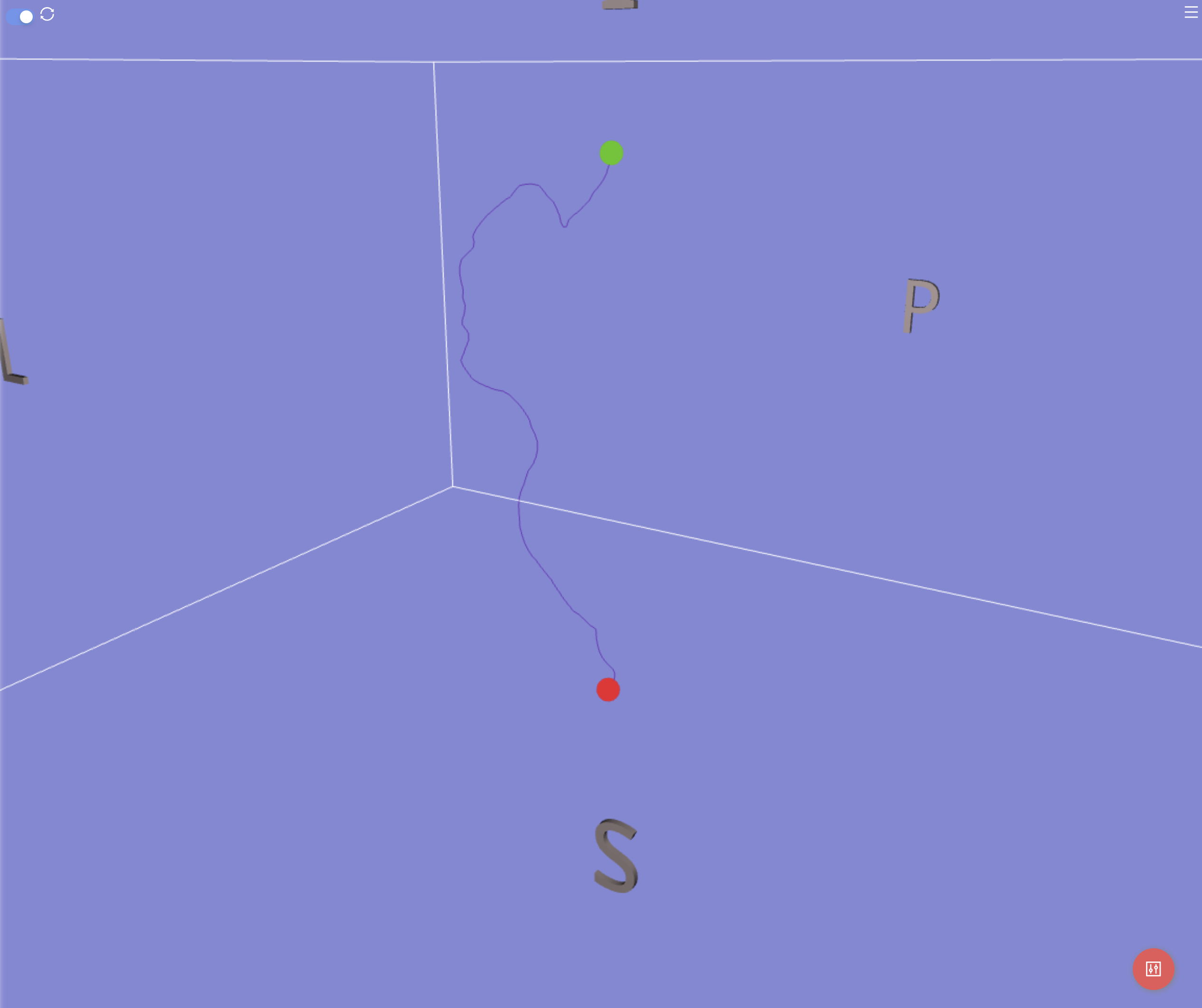
The medical editor now supports Extract Centerline: choose two points in a segmented vessel to generate a measured 3D polyline.
Use the new Scissors tool to erase Voxel Brush segmentations directly in the 3D Viewer.
Organization admins can now create service accounts for API and SDK integrations, with scoped permissions and keys that can be rotated or revoked. Service accounts
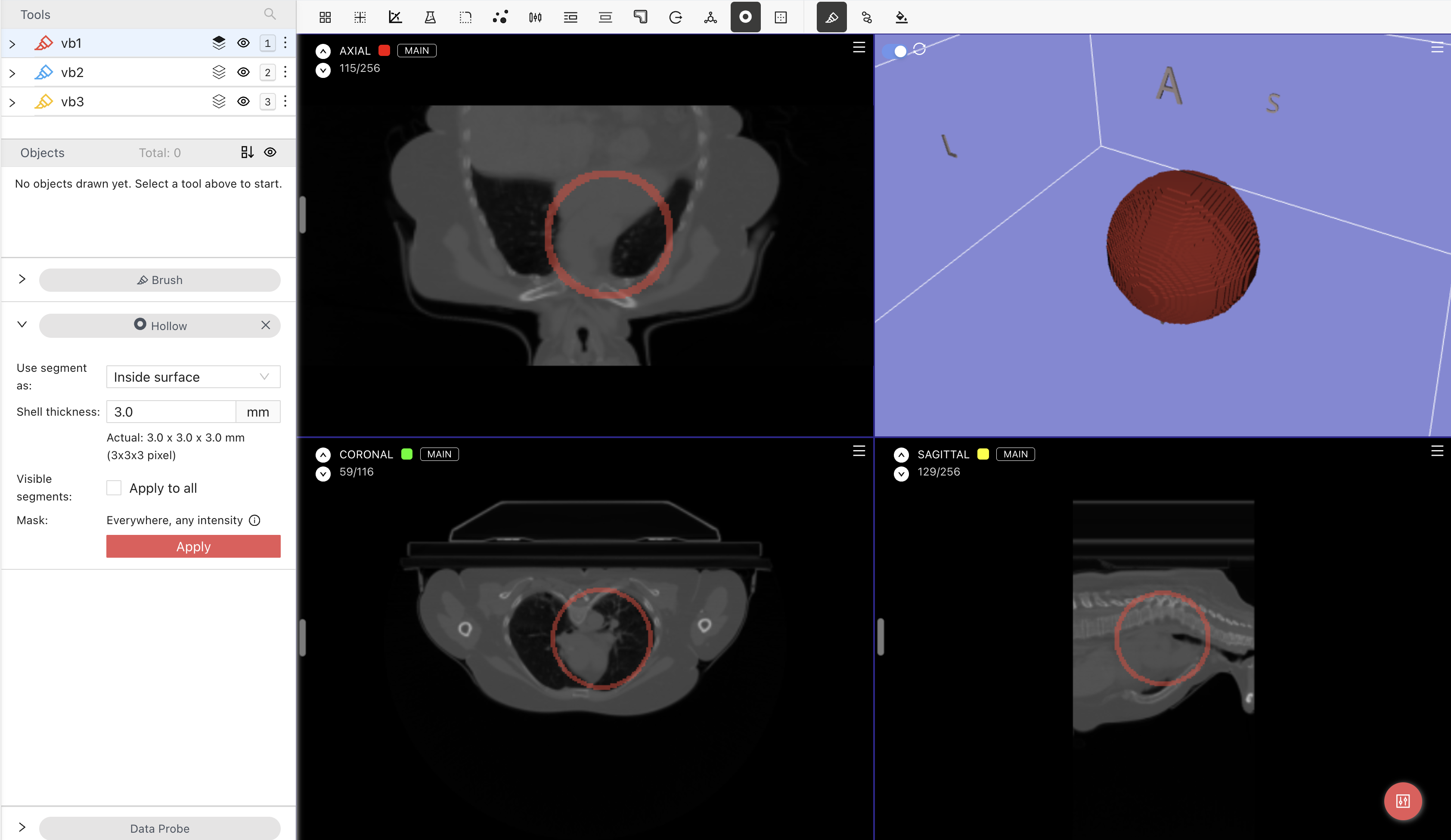
Added Hollow for NRRD assets. Turn Voxel Brush segmentations into 3D shells with a chosen thickness, positioned inside, outside, or centered on the original outline.
When opening an issue dialog or placing an issue marker, the first field is now focused so you can type right away. Opening issues
Plugin Default Config now keeps its key order, spacing and line breaks when saved and reopened.
In issue dialogs and pins, Tab now moves between fields without selecting an error code. Press Space or Enter to select or clear the highlighted code. Error-code keyboard controls
The Window preset dropdown in the DICOM and Medical editors now follows the current width and level, showing the matching built-in or custom preset and clearing when the values no longer match a preset. Window presets.