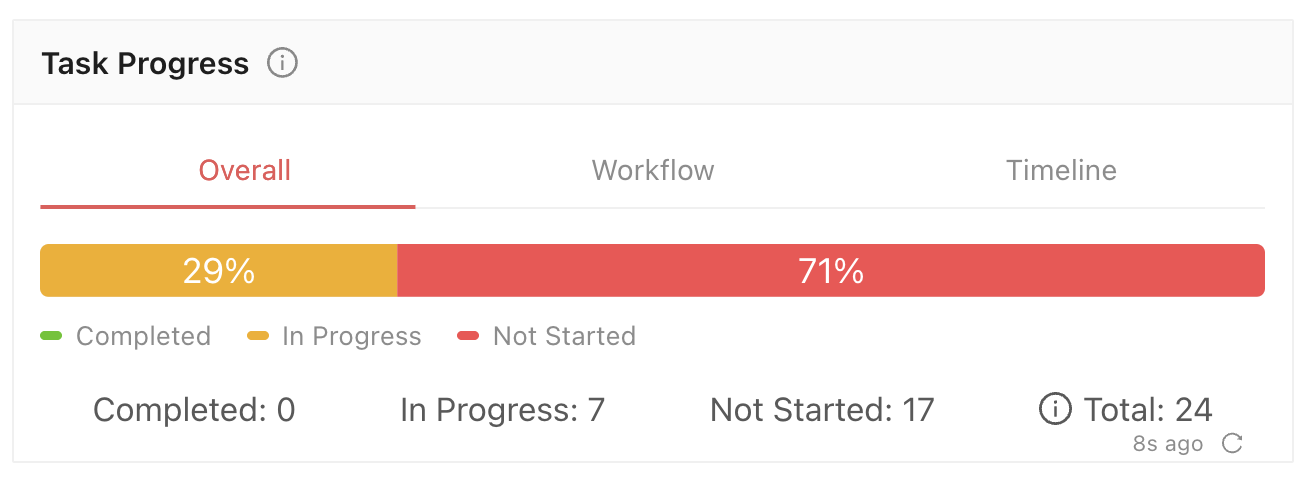
The Dashboard now includes Task Progress views for overall status, workflow stages, and progress over time. Task Progress docs.
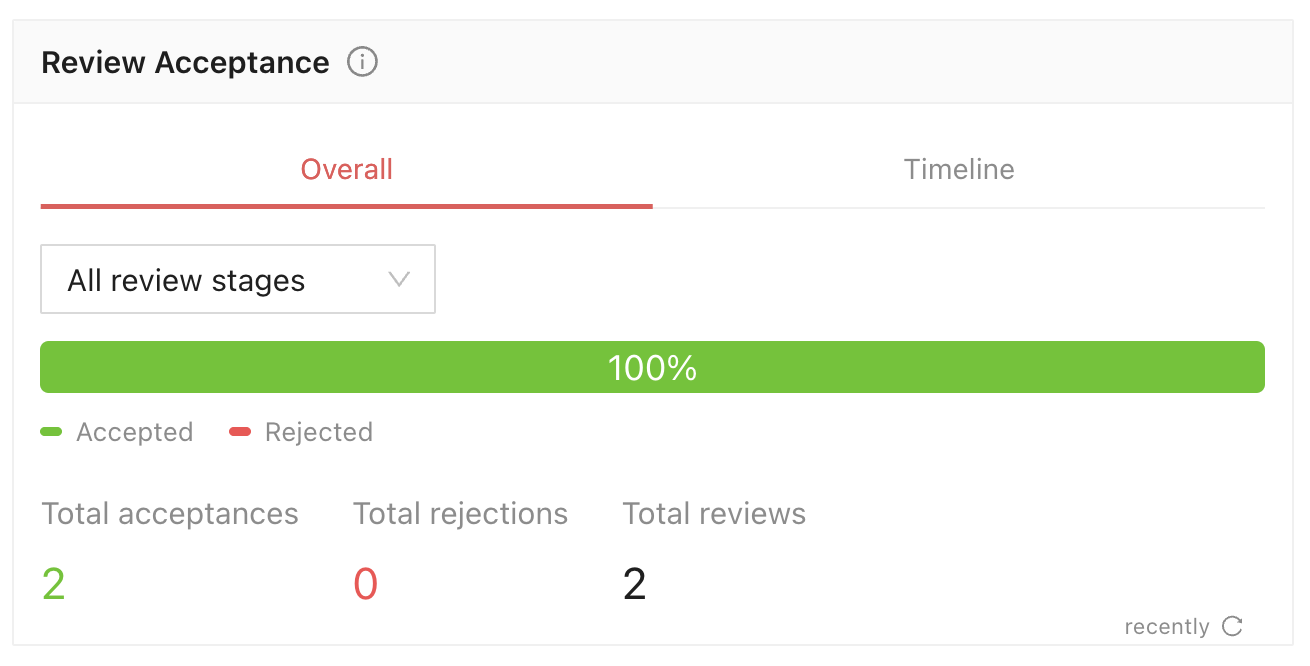
Track accepted and rejected review decisions with the new Review Acceptance widget. Add it from the Widget Library and filter by Review stage. Review Acceptance widget docs.
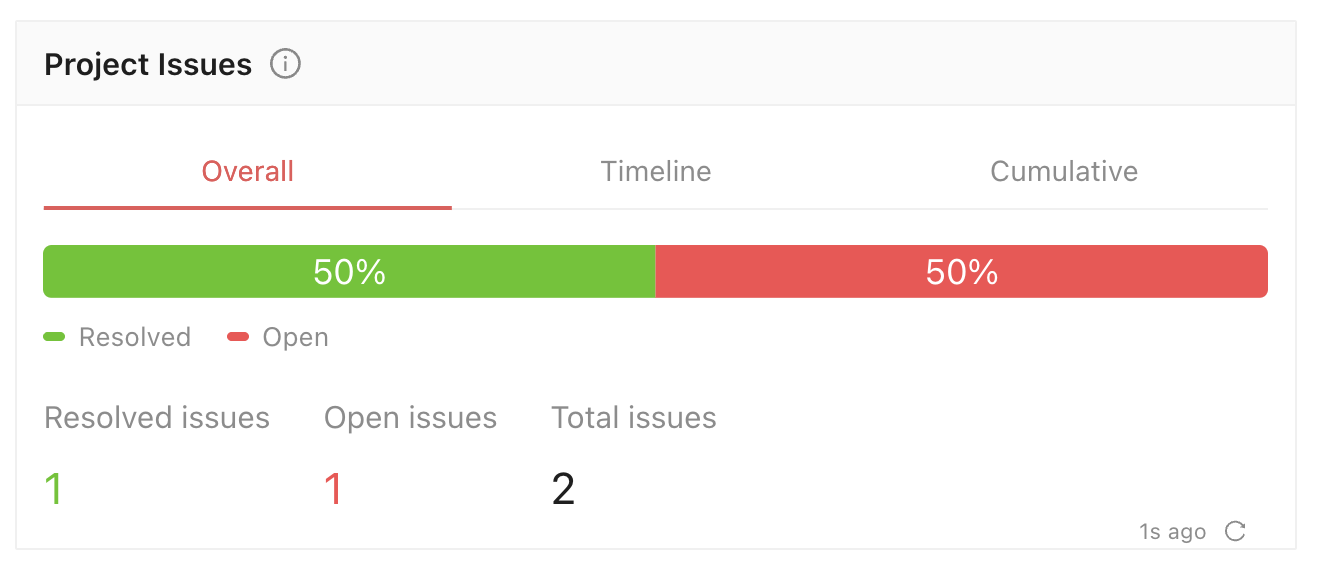
The new Project Issues widget shows open and resolved issues, activity over time, and cumulative totals by error category or code. Project Issues widget docs.
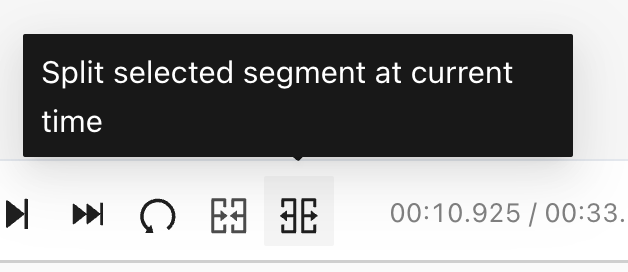
You can now split audio entities at the playhead in the audio editor and video Waveform View. Both halves keep their nested answers and can be edited independently. Splitting an entity docs.
Answer filters and Logic stages now support classifications nested under Text classifications and classifications displayed for any parent option. Logic stage conditions docs.
Click a selected radio answer again to clear it. Radio classification docs.
Medical rotated bounding boxes can now be rotated in the Axial, Coronal, and Sagittal views. Their import and export format now uses center, size, and quaternion; the previous format is no longer supported. Medical rotated boxes docs.
SDK notifications now appear under Other as Project Notifications and can include a clickable link. Sending notifications docs.
Organization administrators can now purge projects through the SDK and API, including files in Ango Hub's default storage. The existing delete_project function continues to soft delete projects. Purging a project docs.
Automatic member assignment in Consensus stages is now in the Setup tab, under Assign members automatically. Select Labelers, Reviewers, or both to distribute project members across the Label sub-stages. Consensus setup docs.
General, Copilot, and Label Validation settings now warn before you leave with unsaved changes. Saving project settings docs.
In Layered Text View, hovered and selected audio segments now show thin boundaries in their class color across the waveform and spectrogram, making their start and end easier to see. Audio spectrogram docs.
3D MSFT projects now use the configured Idle Timeout. The Min. Max. Volume sanity check also has clearer wording. Idle Timeout docs.