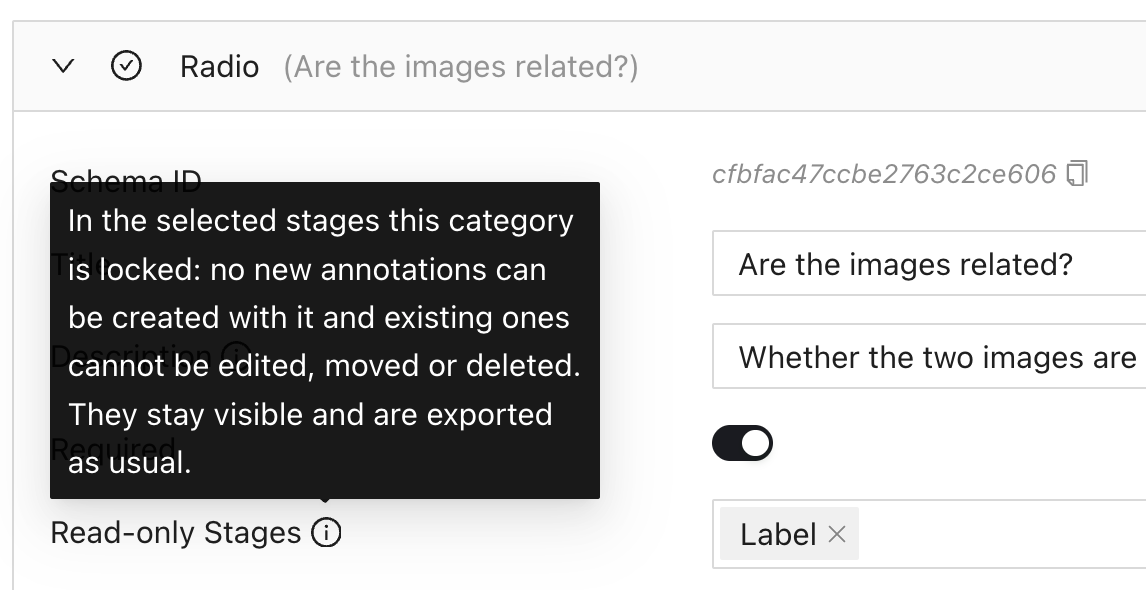
Tools and classifications can now be made read-only in selected workflow stages. Set Read-only Stages in the category schema. Stage-specific categories
You can now download project instructions as a PDF from the Dashboard or Settings. Download instructions
Selected annotations can now be moved with keyboard shortcuts, and bounding boxes can be resized. Hold Shift for larger adjustments. Keyboard editing
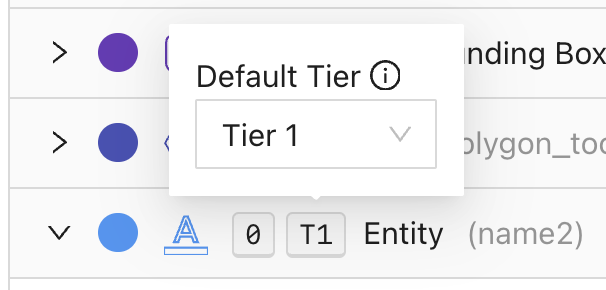
Entity tools can now have a project-wide default audio tier. Set it in Category Schema to switch tiers automatically when selecting a tool, including with its keyboard shortcut. Default tiers
Improved audio playback responsiveness in tasks with many segments.
In the audio editor, Replay now plays the selected segment once and stops at its end when Loop is off. The segment stays selected so you can replay it again. Audio playback
Video Timeline Statistics now includes frame-specific classification counts and the total number of relations, alongside tool counts. Video annotation counts
New tool and relation classes now receive unique colors after the 48-color palette is exhausted, instead of all defaulting to red.
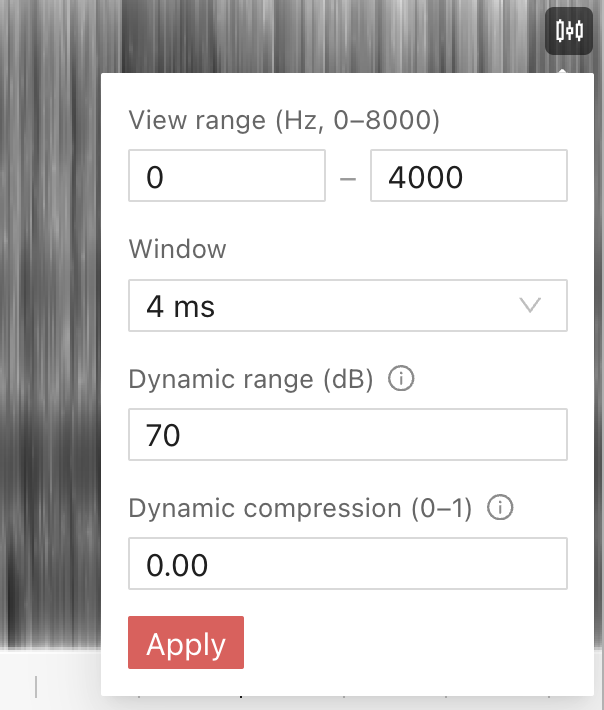
Audio spectrogram settings now include adjustable dynamic range and compression to make quiet speech easier to see. Apply several settings together with Apply or Enter. Spectrogram settings
Added Grow from Seeds for NRRD assets. Paint a few strokes for the structure and its surroundings, preview the resulting 3D segmentation, and refine it before applying.
The medical Polyline tool now supports 3D lines with multiple points across slices and views. Press N or click the last point to finish a line, and measure the total length of its segments. Medical polylines
In NRRD assets, crosshair lines in the Medical labeling editor now stay aligned with the volume edges when zooming, panning, or using oblique Reformat. Medical crosshairs
Auto-Subtract now works with Auto Suggestion for Polygon and Segmentation annotations, removing overlaps with existing annotations when you accept a suggestion. Auto-Subtract with Auto Suggestion
NIfTI loading errors now explain when a file is corrupted or invalid and provide a button to return to Assets. NIfTI loading errors
Improved the display of DICOM images with non-default rescale values.
The Brush size field now shows px next to its value to clarify that the size is in pixels.