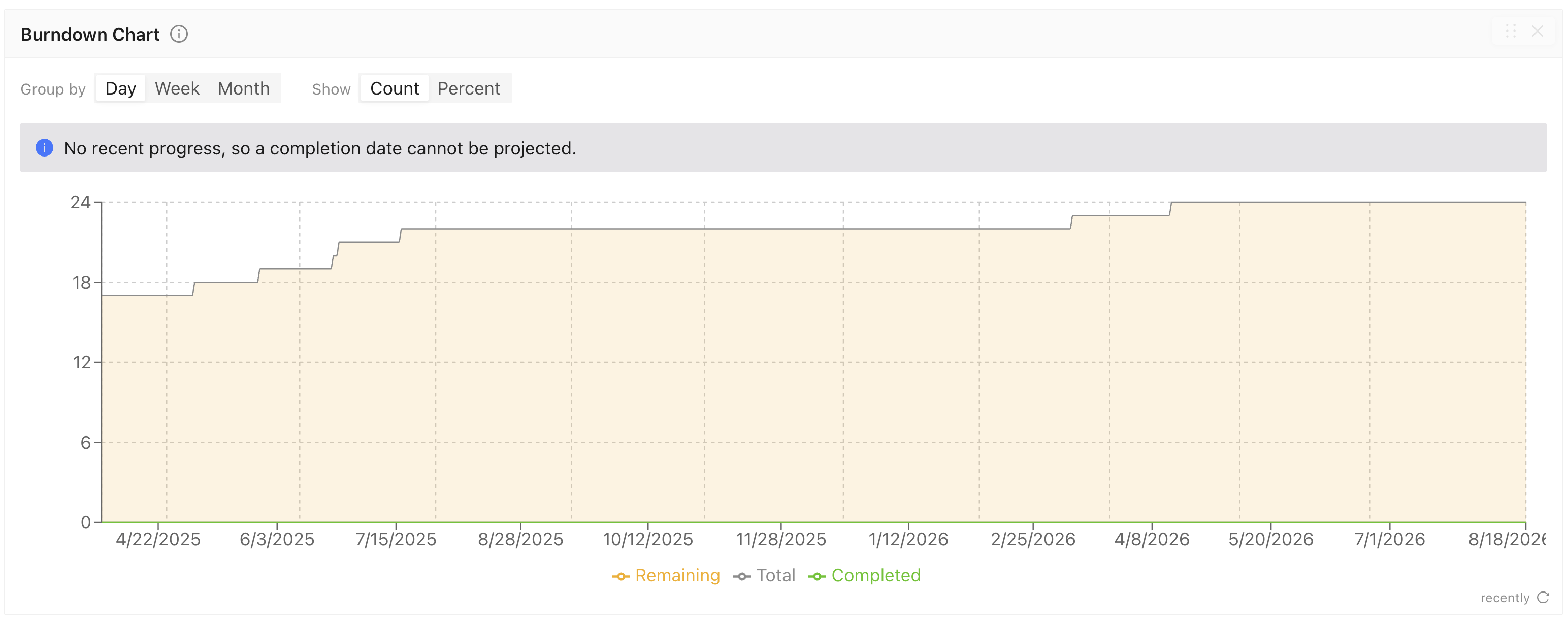
The Project Dashboard Burndown Chart is now available. It tracks total, completed, and remaining tasks over time, follows the Dashboard date and batch filters, and provides daily, weekly, or monthly grouping, count and percentage views, and an estimated completion date.
Medical Brush segmentations can now be imported from local `.nrrd` or `.seg.nrrd` files, with multi-file and mixed JSON/NRRD imports supported.
Task exports and Stage History now include a `startedAt` timestamp showing when work began in each stage.
Azure storage access validation now identifies the Azure role required when access is denied and removes its temporary write-test file after successful validation.
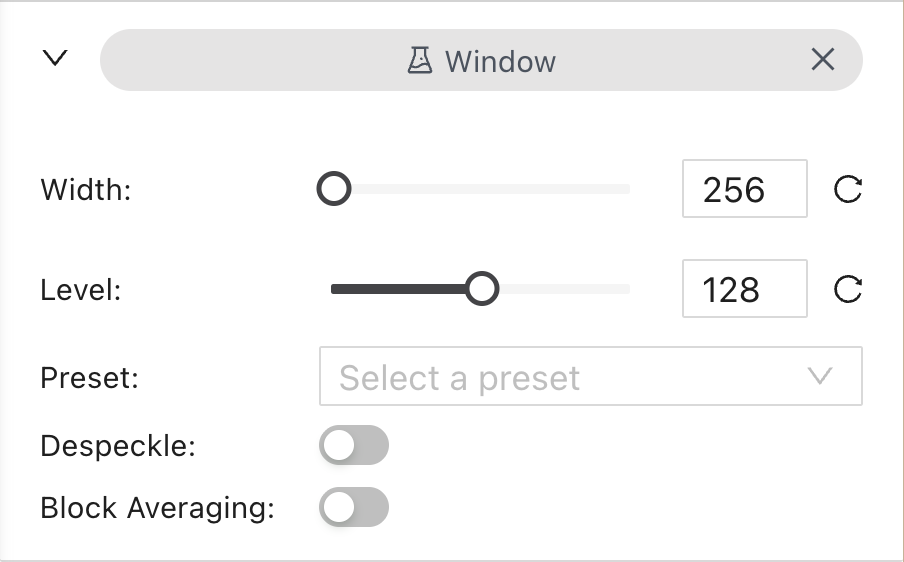
The Medical labeling editor now preserves NRRD window width and level across tasks in the same project and browser.
The 3D Medical and DICOM labeling editors also let users save up to two custom window/level presets per project and browser and apply them with `Shift + 7` and `Shift + 8`. Existing presets can be applied with `Shift + 1-6`.
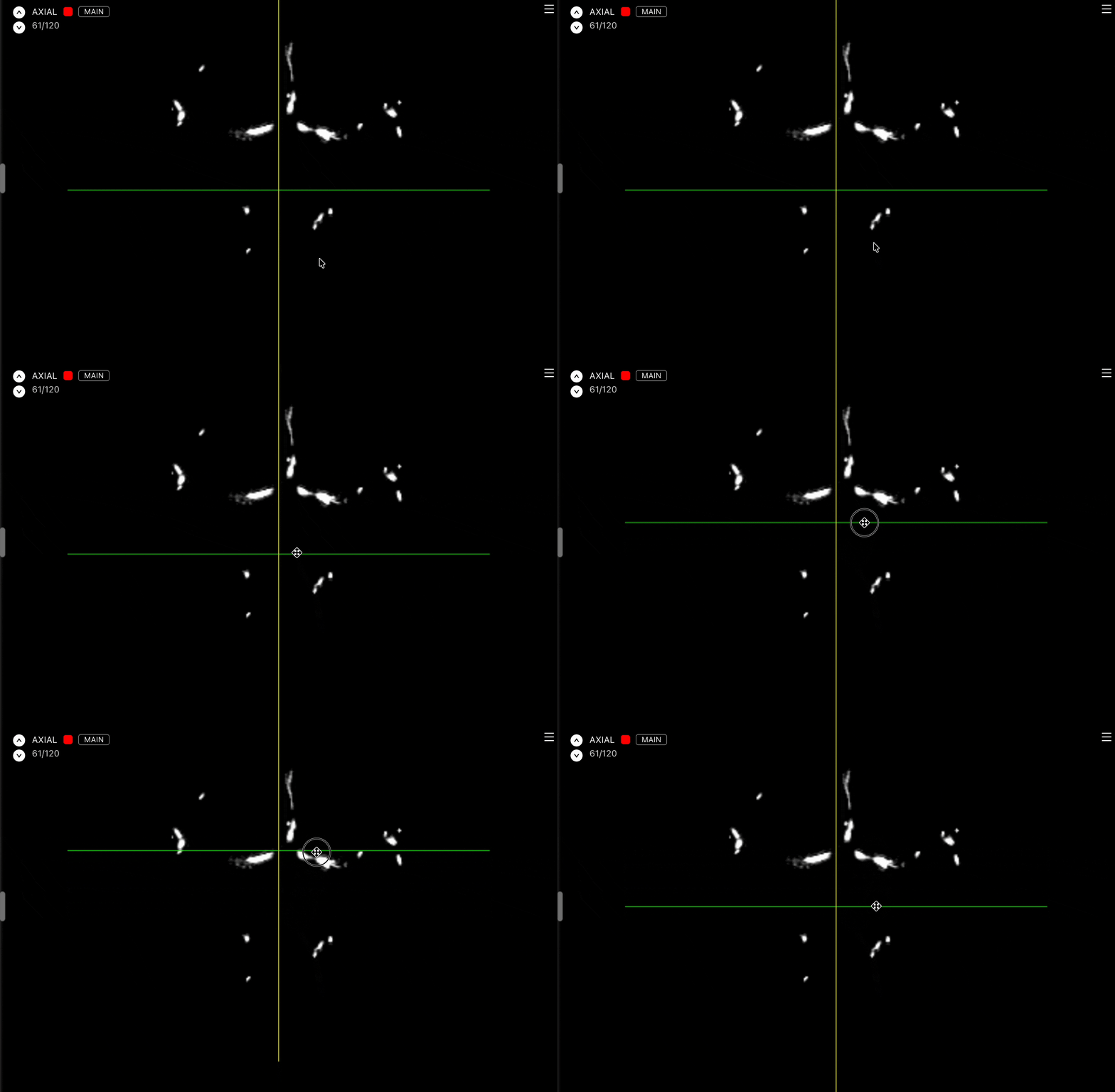
The 3D Medical labeling editor now lets users drag individual crosshair lines to move one plane and update the linked view. When Reformat is active, inner and outer drag zones distinguish movement from rotation, with pointer feedback for the available action.
DICOM labeling now includes Despeckle and Block Averaging controls for smoothing images.
Audio labeling now supports millisecond-precise segment positioning with keyboard nudges and editable Start and End timecodes.
Audio entity imports can set selection text and a tier in the Ango Import Format.
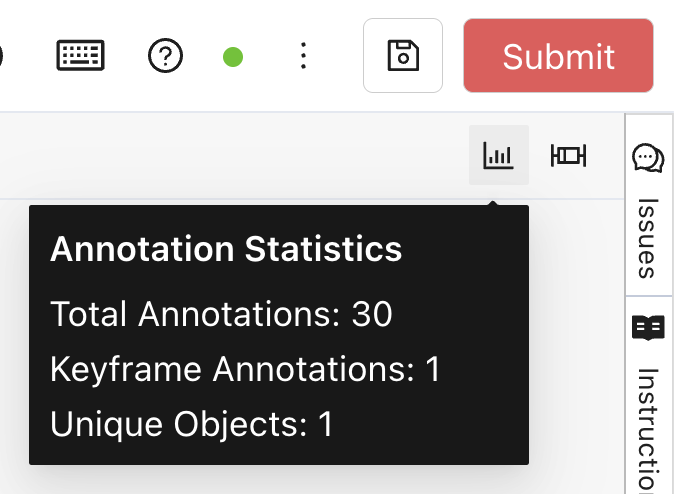
The Video Labeling Editor now shows video-level totals for visible annotations, keyframes, and annotated objects.
The Ango Hub SDK now supports creating, retrieving, and deleting organization LLM integrations.
Imported sample projects now preserve their batches, label validation settings and rules, and project issues.
Organization member removal confirmations now show the selected member's email address, explain the access and plugin-connection consequences, and use clearer actions.
The Attachment tab in the labeling editor now shows the number of attachments available for the current asset.
Tool icons and labels are now consistently sized and aligned across Category Configuration and the labeling editor.