The Audio Labeling Editor now includes Layered Text View for organizing audio regions into tiers, editing selection text, moving regions between tiers, and choosing overlap-prevention rules.
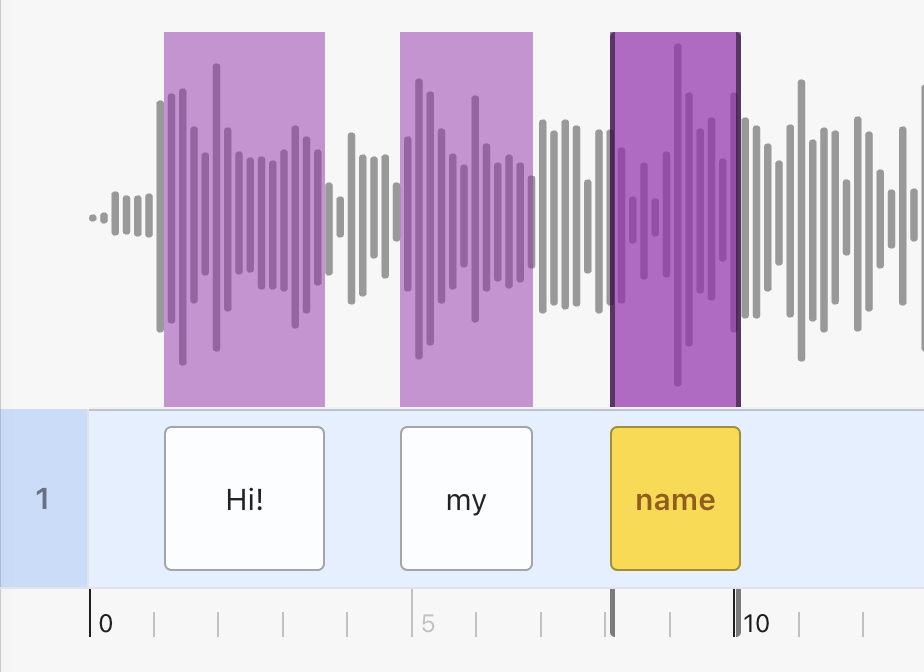
The spectrogram in the Audio Labeling Editor now uses a grayscale display and offers per-project controls for the visible frequency range and analysis window.
The Medical Labeling Editor now supports rotated bounding boxes in NRRD tasks, including physical measurements, editing across the Axial, Coronal, and Sagittal views, object-list navigation, and 3D Viewer display.
The Medical Labeling Editor now uses matching colors for plane indicators and crosshair lines: red for Axial, green for Coronal, and yellow for Sagittal. Reformatted views are marked with an **R**.
You can now import multiple DICOM series at once by selecting several folders in File Explorer. Each folder is converted into a separate NRRD asset.
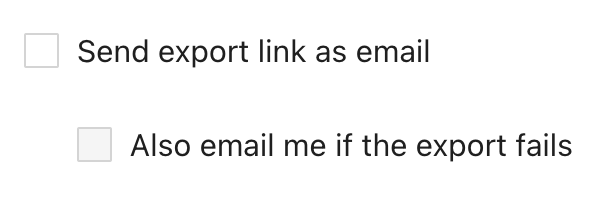
You can now choose to receive an email if an export fails, in addition to the existing notification containing the download link when an export is ready.
Video metadata extraction is now significantly faster for typical constant-frame-rate files, especially large videos and remote URLs, while preserving variable-frame-rate detection accuracy.
In the Text Labeling Editor, hovering over overlapping Entity annotations now shows all class names under the cursor side by side and highlights the overlapping annotations.
Failed DICOM-to-NRRD conversions caused by temporary errors can now be retried individually or in bulk from the Assets tab. Permanent conversion errors show their reason without offering a retry.
When no labeling or review tasks are available, Ango Hub now explains whether the queue is empty for the entire project or for a selected workflow stage.
Unauthorized and unavailable pages now clearly explain why access failed and offer an action to return to Projects or an available tab. Invalid or deleted tasks also show a recovery screen instead of remaining stuck loading.
Ango Hub now warns you before refreshing, closing a tab or window, or navigating away with unsaved changes in any labeling editor, Category Schema, Batches, or Workflow.
The Markdown Labeling Editor now hides the left sidebar when every classification is embedded in the asset and there are no annotation objects to display.
Project managers can now assign a custom External ID to each file directly in the Local Upload window before uploading it.
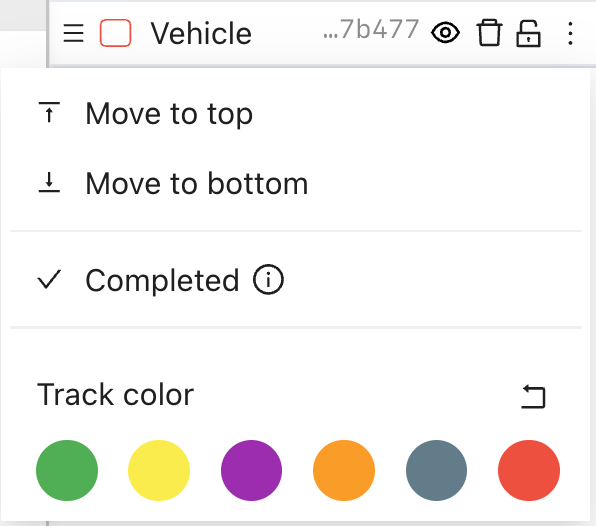
Video timeline tracks now include a Reset to default color action for restoring the class color after customization.
In audio and video Waveform View, audio segments can now be drawn from exactly 00:00.000 without activating the Objects-panel resize handle.
Object-level issue dialogs no longer show redundant page context for single-page and single-frame assets.
Text classifications now use plain text only. The Rich Text Editor option has been removed, while KaTeX Preview remains available for mathematical notation.
3D MSFT category schemas now support a configurable Cuboid Velocity sanity check, including axis, threshold, unit, and priority settings.
Project managers can now validate segmentation completeness in 3D MSFT projects with a complete-coverage requirement of 100%.
Review-stage bulk actions in 3D MSFT projects now show how many unassigned tasks are eligible and are disabled when the selected stage or batch has none.